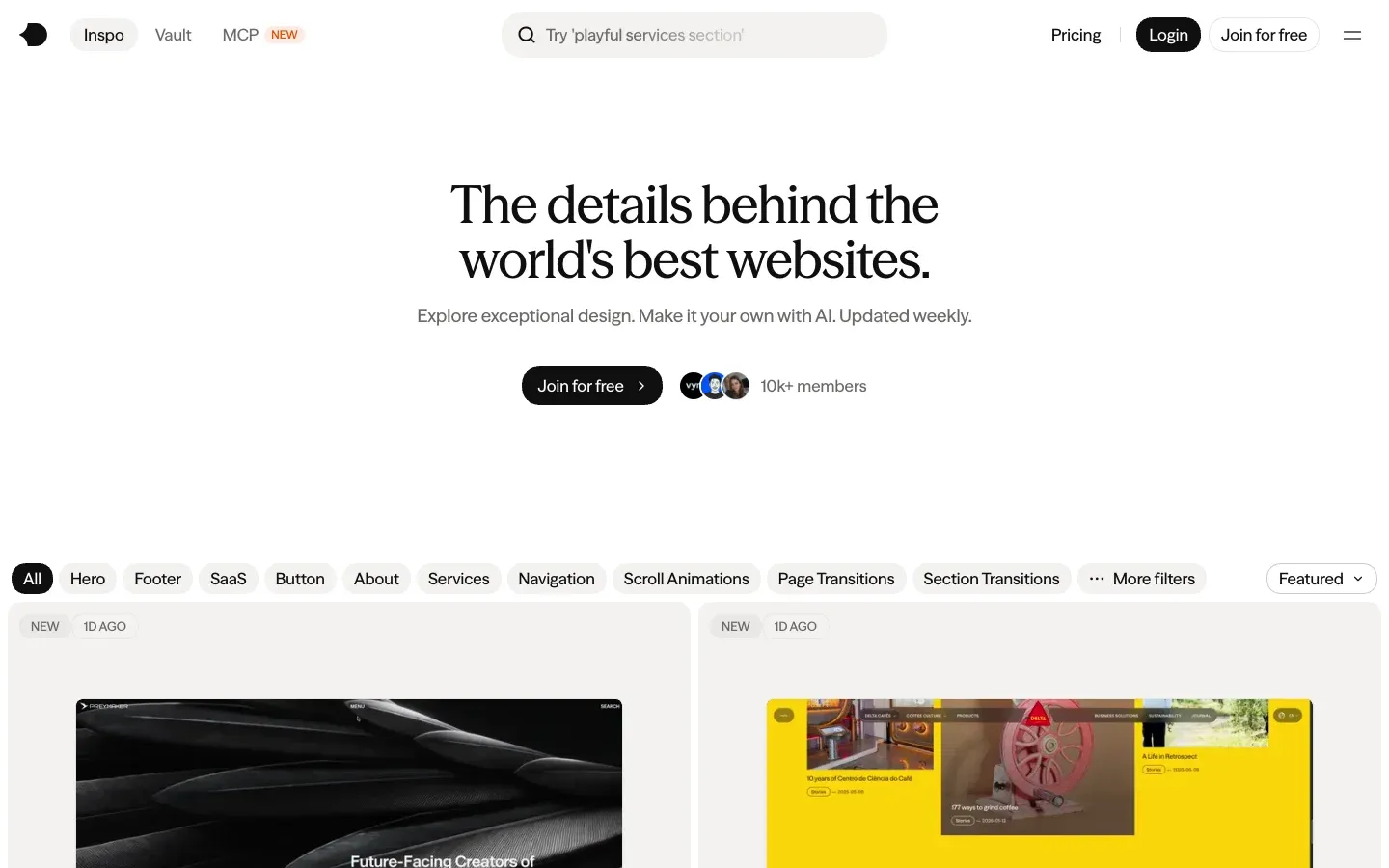
Every designer has a folder of screenshots called “inspiration”. Nobody has opened it since 2023. Details.so is what that folder wants to be when it grows up: a library of real websites, sorted by the part you care about, with the code to copy the good ideas.
This is the Details.so coupon link: according to the invite page, friends who join through it get 10% off. It’s for designers, developers, founders and anyone who builds websites and is tired of staring at a blank page.
(Yes, it’s a referral link: if you subscribe to a paid plan, I earn credit on Details. It doesn’t cost you anything extra, and the 10% is yours. Disclosure first, coupon second.)
Promotions change, so check the terms on the page. Below you’ll find what Details sells, what each plan costs, the AI part (the MCP, which is the new bit) and the question that matters: is it worth paying for? (Spoiler: depends on how often you open a design tool.) Last updated November 17, 2026.
How to use the Details.so link and get 10% off
- Open the coupon link.
- Create your account. Joining is free.
- Pick a paid plan on the pricing page.
- The 10% off applies to people who arrive through an invite, according to the invite page.
If you only want to look around, the free account works without paying. It just doesn’t open the whole library.
What Details.so is
Details is a design inspiration library for websites. The home page puts it this way: “the details behind the world’s best websites”. Every example comes from a live production site, is tagged by hand and is added every week. The company says it has more than 3,500 examples and more than 10,000 members. It’s made in Switzerland, which explains the tidy layout.
The product has three parts:
- Inspo. The library of references, with natural-language search (“playful services section”) and filters for hero, footer, navigation, scroll animations, page transitions, preloaders and more.
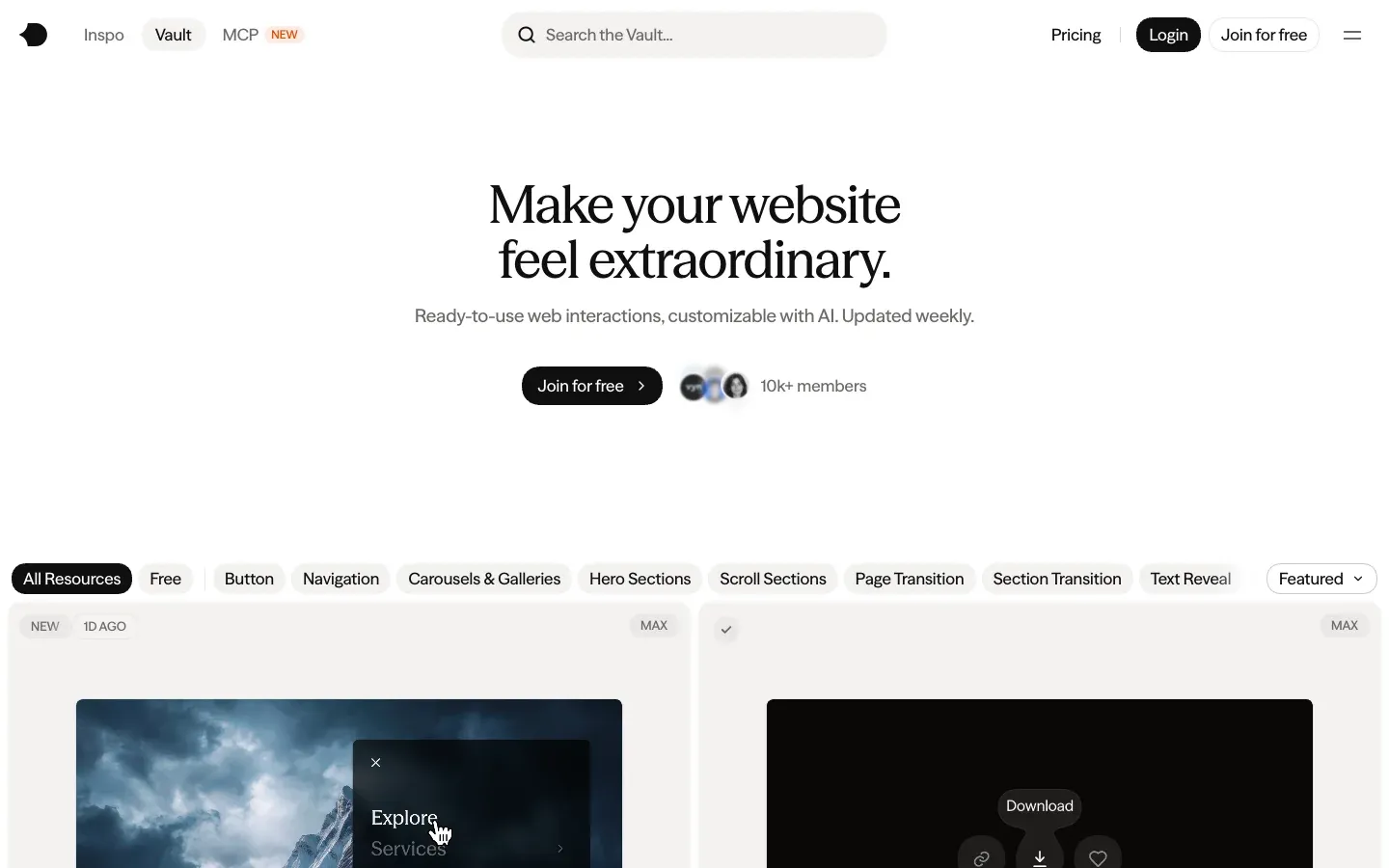
- Vault. Paste-ready code for transitions, buttons and sections.
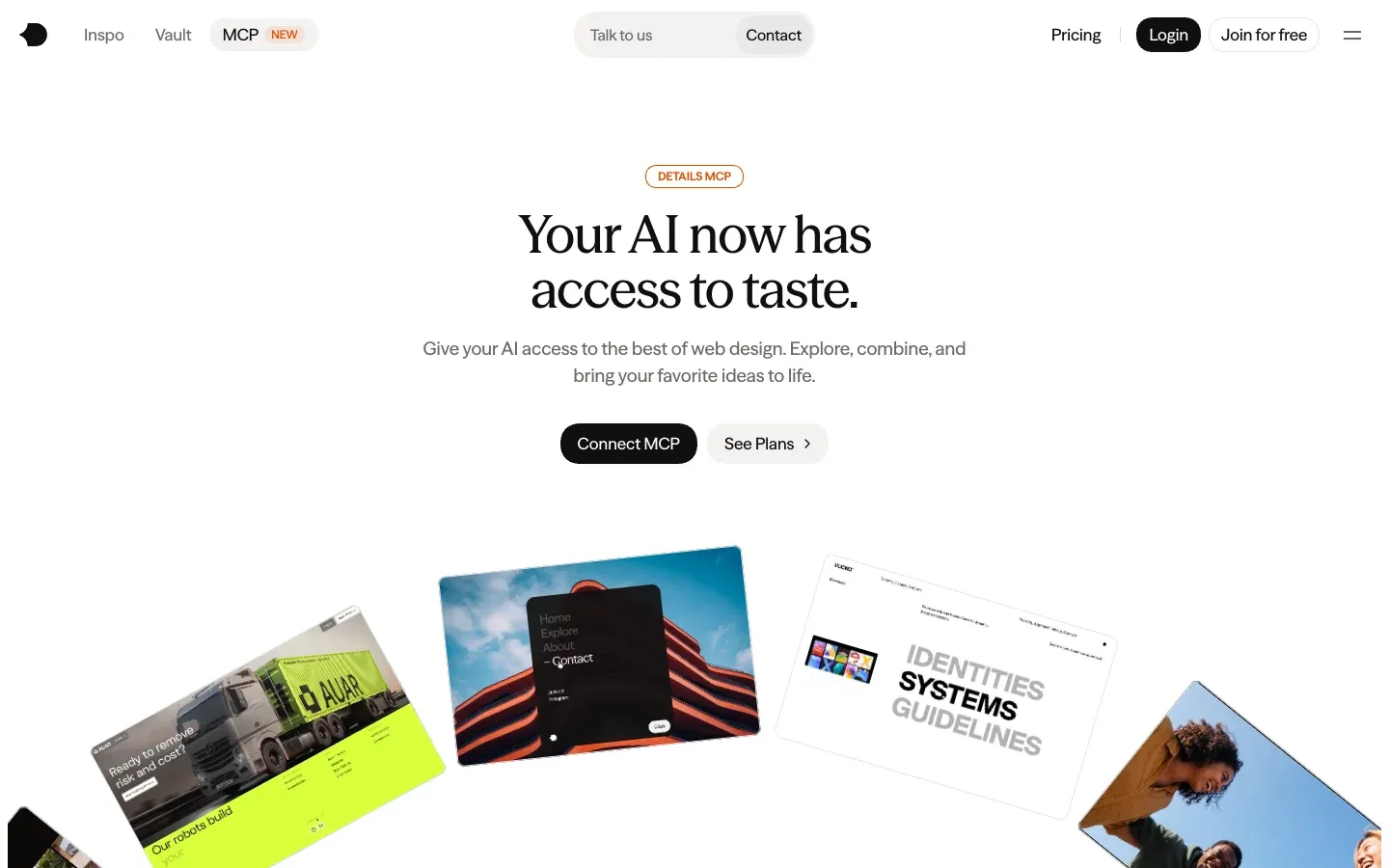
- MCP (beta). A connection that lets your AI tool use the library.
The point is the focus. Other galleries show you whole sites. Details shows you the footer, the menu, the page transition. When you need a footer, you want footers, not a tour of someone’s homepage.
Inspo: the library of references
According to the page, some categories are large: scroll animations (515), features (463), hero (427) and footer (366). You can save items to boards, with notes on each one, and Pro and Max plans include a Remix feature that adapts a reference to your project.
It beats a Pinterest board for one reason: everything comes from a real site that shipped, not from a concept shot made to look pretty on a portfolio. Real sites have to survive real content. That’s a better lesson than a mockup.
Vault: copy-ready code
Vault is where inspiration turns into code. The page describes “ready-to-use web interactions, customizable with AI”, filtered by type: button, navigation, carousels and galleries, hero sections, scroll sections, page transition, section transition and text reveal. Some items are free, and the rest carry a Max tag.
It’s much smaller than Inspo. The home page shows only a few items in some categories, such as 14 in UI Details and 10 each in Navigation and Page Transition. So don’t expect a component for every idea. Expect a few well-made ones. Quality over quantity, a rare thing on the internet.
The MCP: your AI now has taste
This is the new part, and the reason I’m writing about Details now. MCP (Model Context Protocol) is the standard that lets AI tools connect to outside services. The Details MCP lets Claude, ChatGPT, Cursor, Codex and v0 search the library, pull references and adapt them to your project. The page’s slogan is “your AI now has access to taste”.
In practice, instead of asking an AI for “a nice hero section” and getting the same purple gradient everybody gets, you ask it to look at real references first. It’s a fair fix for the biggest problem with AI-made websites: they all look alike. (Thanks, purple gradient, for making every landing page a twin.)
The MCP is in beta, and access is included on every paid plan. Each plan has a monthly credit allowance, which I cover in the next section.
How much Details.so costs
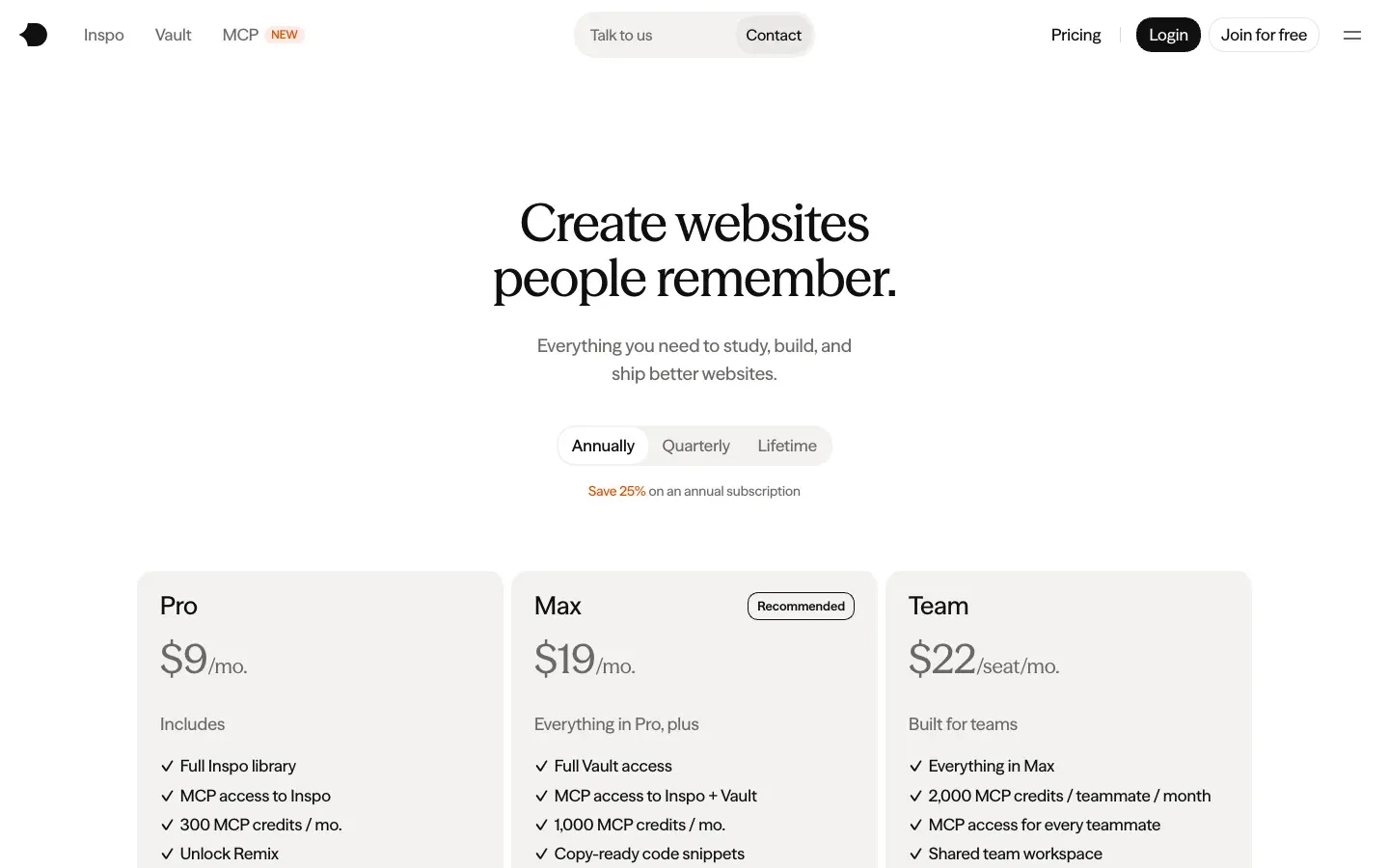
According to the pricing page, these are the plans:
| Plan | Price | What you get |
|---|---|---|
| Pro | US$ 9/month | Full Inspo library, MCP access to Inspo, 300 MCP credits a month, Remix and 10 boards |
| Max | US$ 19/month | Everything in Pro, plus full Vault access, 1,000 MCP credits, copy-ready code, implementation docs and unlimited boards |
| Team | US$ 22/seat/month | Everything in Max, 2,000 MCP credits per teammate, shared workspace and shared boards |
| Lifetime | US$ 890, one time | Everything in Max, 2,000 MCP credits a month, future drops and early access. Limited seats |
The prices above show up with the annual tab selected, and the page says an annual subscription saves 25%. There’s also a quarterly option. Students get 30% off any plan by emailing the company. The pricing page doesn’t say whether the 10% from the invite stacks with other discounts, so ask before you count on both.
The catch: no refunds
Read this part before you pay. The terms say there are no refunds on any paid plan, Lifetime included, except where the law requires it. That applies even if you haven’t used the plan or the MCP credits.
You can cancel anytime and keep access until the end of the period you paid for. Upgrading from Pro to Max takes effect right away. Downgrading waits for your next renewal. So start with a monthly or quarterly plan, not the US$ 890 one. A no-refund policy and a lifetime price is a combination to think about for more than one coffee.
Is Details.so worth it? Who it makes sense for
It makes sense if you design or build websites often: freelancers, small studios, founders who build their own landing page, developers who work with AI and want better results than the default. In that case, US$ 9 a month is cheap next to the hours you spend looking for references. Add Max if you want the code.
It makes less sense if you open a design tool twice a year, or if the free account already covers what you need. Then wait for a project that needs it and subscribe for a month. The best saving is the subscription you cancel after the project.
If it fits, the coupon is right here: Details.so coupon link.
Sources
The data comes from Details.so’s own pages, read on November 17, 2026: the home page, pricing, Vault, MCP and the invite page. Prices, limits and promotions change, so Details has the final word.